
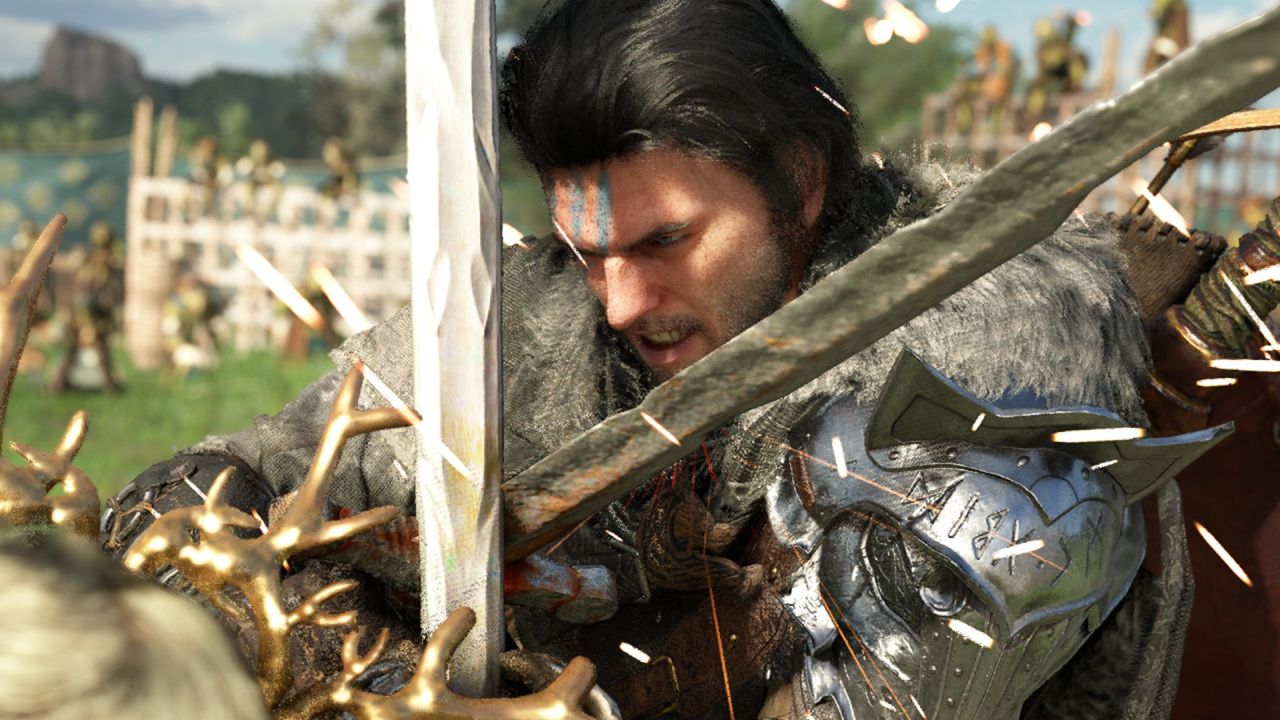
The launch of Crimson Desert has not been as smooth as everyone hoped. The game has received somewhat negative reviews, partly due to a series of technical issues.
One of the most obvious is that the game looks blurry on some devices. This is quite an annoying issue that has led to refunds. However, if that’s really the only thing bothering you, there is already a solution for PlayStation 5 players — easy to implement and, while not definitive, it can fix everything while we wait for an official patch from Pearl Abyss. Although a Pearl Abyss update is expected to arrive soon to resolve it definitively, for the moment there is a “home remedy.”
How to Stop Crimson Desert from Looking Blurry on PS5
If you have this problem, what you need to do is go to the PlayStation 5 settings. In “Screen and Video,” open the “Video Output” submenu, find the “120 Hz Output” option and disable it. Many users confirm that doing this fixed the problem for them, and even Will Powers, Pearl Abyss‘s director of marketing and public relations, has recommended this solution to some Crimson Desert players. It’s worth remembering, though, that contrary to what is being said on social media, you shouldn’t disable this option by default: only do so if it’s causing you problems.
As for what the issue actually is, it’s because many monitors and televisions are not compatible with 120 Hz mode when using 4K resolution. This mode activates — even though the game runs at 40 frames per second in the balanced settings — because it creates a smoother feel by delivering a new frame every three refreshes instead of every 1.5 as it would at 60 Hz. Another option we can try is to change the type of graphic setting in the game’s menu, but perhaps the result won’t leave us as convinced.
Although not specified, it would be expected that a similar solution could be applied in case the problem appears on Xbox Series (Settings > General > Display > Refresh Rate). Fixing the situation on PC will be somewhat harder. In any case, it would be expected that over the next few days an update will arrive that definitively fixes these technical issues.
Source: 3djuegos








Leave a Reply