
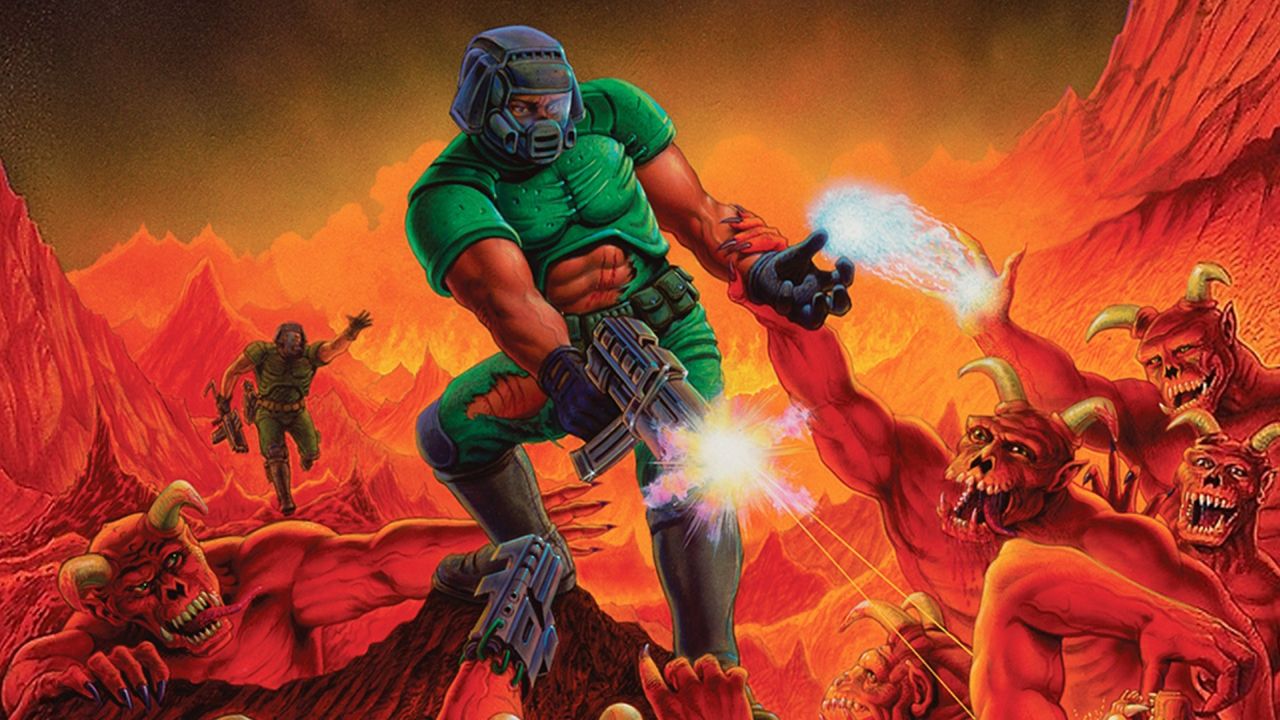
id Software’s legendary first-person shooter (FPS) has become something of a running gag. Everyone wants to make it playable on every device.
DOOM now runs on so many unusual devices that it’s easier to list the ones that don’t support the game. However, running one game inside another game is a whole other story. Squaresweets on GitHub has made it possible to play The Ultimate Doom in its entirety within Ultrakill, a first-person shooter (FPS) game. Every Ultrakill level starts with a diegetic shop terminal similar to those in Prey and the latest Deus Ex games. You can go there and smoothly select your equipment with the mouse without the game pausing, freezing, or displaying a separate UI window that takes over the screen. It’s a great effect. Now, the main character, Bot V1, can use it to get a few frags before getting fragged.
Squaresweets built upon xabblll’s DoomInUnityInspector and Sinshu’s Managed-Doom source port. Sinshu’s source port was written in Unity-compatible C#; xabblll’s project ran DOOM in the Unity editor. Squaresweets then took the project further, running it in a real Unity game. You will need a .wad file from DOOM 1 to provide graphics and tools for Squaresweets’ Ultradoom.wad. Currently, Ultradoom does not support user projects, such as MyHouse.wad. The DOOM.wad file can be obtained from the retail or shareware versions of DOOM, the latter of which is still available for free download from the DoomWorld forum. The BepinEx Unity modding utility is also required for installation.
So purchase and install Ultrakill first. Download the latest version of BepinEx. On Windows 11, get the win_64 version. Drag the files to your Ultrakill install, default C:/Program Files (x86)/Steam/steamapps/common/Ultrakill. Run Ultrakill once to complete installation. Download UltraDoom (click the green “Code” button then “Download ZIP”), put ultradoom.dll in [your path]/Ultrakill/BepinEx/plugins. Create a new folder, “doom,” in the same location. Drop ultradoom.wad (from the mod) and DOOM.wad (from your copy of Doom) in this folder. Play by clicking the smiley face in the upper left corner of the terminal touchscreen.
With that, you have DOOM in Ultrakill. It’s completely retro and controlled only by the keyboard: WASD or arrow keys for movement and rotation and Ctrl for shooting. The mouse still controls V1 in Ultrakill, and you can look away from the screen to stop the game. This mod has even been praised by Dave Oshry, the boss of New Blood.
Source: PCGamer, Steam, GitHub, GitHub, Bsky














Leave a Reply