
TECH NEWS – It’s worth being skeptical of Microsoft’s technology, which is being forced on all Windows users.
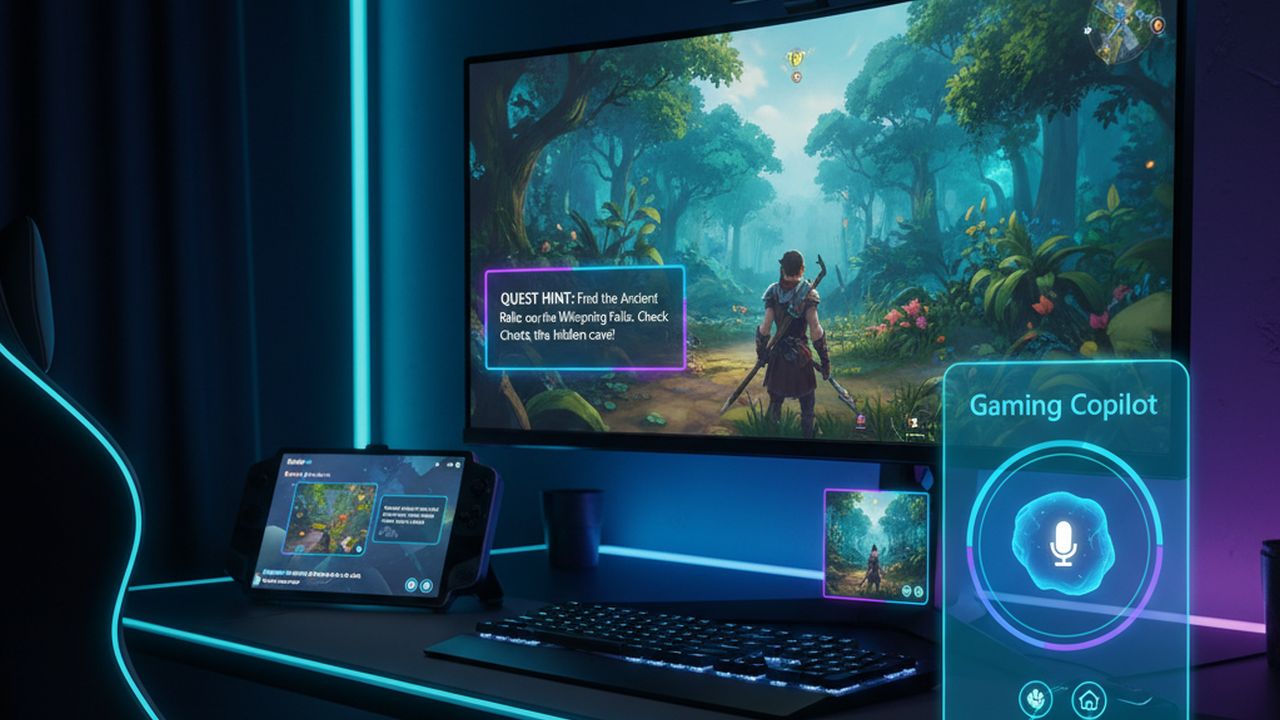
Microsoft Copilot AI officially launched on the Xbox Game Bar for PC this week. The Gaming Copilot feature was announced last month, and the full beta version began rolling out on PCs Thursday. The Xbox mobile app will follow in October. Gaming Copilot is a gaming-specific version of Copilot, which Microsoft calls a personal gaming assistant. With Gaming Copilot, you can request tips, suggestions, summaries, information about results, and more. It can analyze the content displayed on the screen. You can access this assistant directly from the Xbox Game Bar (by default, using the Windows+G key combination or the Xbox button on the company’s controller). There is also a voice mode and a mini mode that allows you to pin the AI to the screen.
It’s difficult to see the value of this feature beyond simply opening a replay on your smartphone or via Steam. This raises the question of cheating in online games. If we can ask an AI for personalized, live advice or explanations during a competitive game, that’s borderline coaching and cheating. Could Gaming Copilot reveal the location of enemy players? If so, would anti-cheat programs be able to detect Gaming Copilot in competitive gaming? Xbox Game Bar is automatically installed with Windows and cannot be completely disabled. On the other hand, could this lead to false positives where anti-cheat programs incorrectly identify players as cheaters?
The extent of the assistance provided depends on the accuracy and detail of your instructions. Hallucinations, or the presentation of false information as fact by AI, remain an endemic problem with large language models. Microsoft says it is working with game developers to ensure Gaming Copilot’s tips are accurate. However, given LLMs’ performance to date, skepticism is warranted. Although most Copilot features appear to run in the cloud, running an extra process in the background could consume RAM or CPU resources on older or lower-end systems, which would degrade game performance. Even with high-end hardware, most people prefer minimal bloatware and unnecessary programs.
There is also the issue of privacy because AI constantly analyzes the screen and collects game data. If we are concerned about data protection, we probably won’t use AI assistants anyway. Nevertheless, Gaming Copilot requires explicit permission to record the screen in the widget’s recording settings, so we can always turn this feature off.















Leave a Reply