
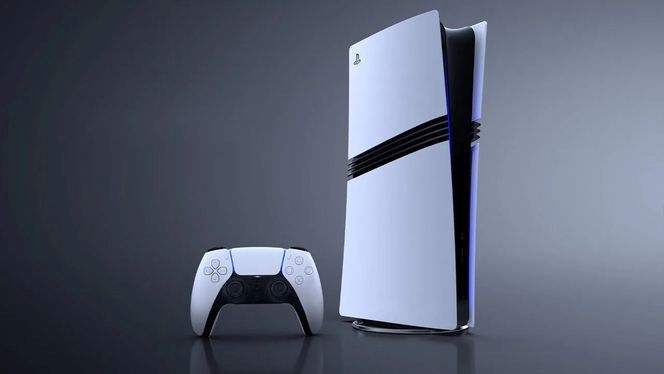
At first glance, the system software update may not seem significant, but the firmware will definitely come in handy in certain cases.
A new update for the PlayStation 5 system software is now available with version number 25.07-12-20-00. (Why not use a simpler scheme like v2346/2025, where the second number indicates the year?) While minor updates often just improve stability, this release adds a much-requested, user-friendly perk: you can now view the console and connected DualSense controllers’ serial numbers directly from the system menu. It’s a welcome tweak for anyone filing a support ticket or checking warranty info without dragging the console out of its usual spot.
After installing the firmware, you’ll find the PlayStation 5 and DualSense serial numbers in the main Settings. For the console: go to Settings > System > System Software > Console Information — the value is under Serial Number. For the controller: Settings > Accessories > General > Advanced Settings > View Serial Number. (Works with controllers connected via USB or Bluetooth.)
According to Sony, system software performance and stability have been improved. The DualSense Edge wireless controller software was also updated to enhance stability. On some screens, Sony refined messages and usability — without going into much detail.
The PlayStation 5 system update (25.07-12-20-00) downloads automatically when you start the console. You can also fetch it manually from the official website.














Leave a Reply