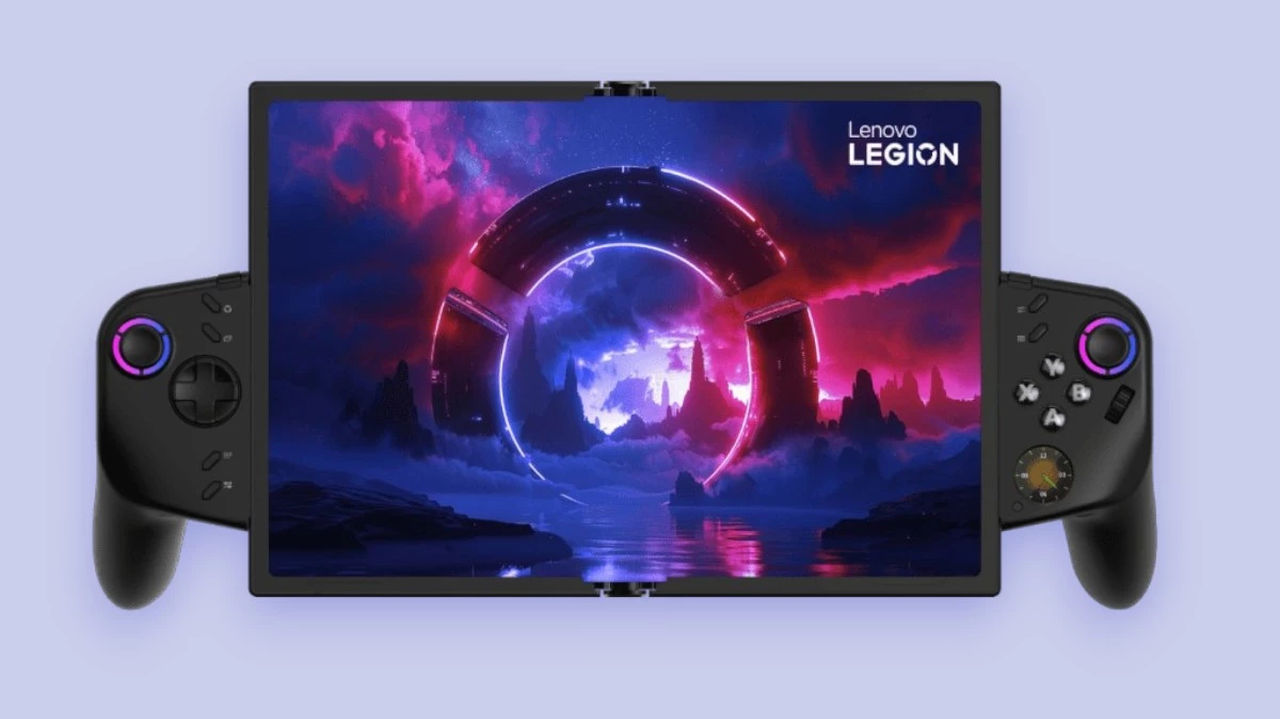
Lenovo has confirmed that the N3CN42WW BIOS update released for the original Legion Go can cause boot failures and a black screen on some devices. The faulty package has been withdrawn, while affected handhelds may require warranty repair.
The manufacturer’s investigation shows that this is not user error: after installing version N3CN42WW, certain original Lenovo Legion Go units cannot complete the boot process. The display stays black, with only the red power LED indicating that the device is still receiving power.
Lenovo reproduced the failure on three test units in its European L2.5 laboratory, ruling out the idea that owners simply performed the update incorrectly. Other internal teams installed the same BIOS without problems, however, so the company is examining whether a motherboard component used in specific production batches or a rare combination of conditions could be responsible.
The issue is limited to the original Legion Go 8APU1, including configurations based on AMD Ryzen Z1 and Ryzen Z1 Extreme processors. The Legion Go S and Legion Go 2 are not affected, and the bad update was not distributed automatically through Windows Update or Legion Space: users had to download it manually from Lenovo’s support site.
The problematic download has since been removed, and the company is once again offering the previous N3CN40WW BIOS. Devices under warranty should be repaired through the normal procedure, while a Lenovo representative also argued that out-of-warranty systems may deserve free repairs because their owners did not cause the failure.
There is no worldwide recall or formal global repair programme yet, meaning affected customers still need to contact their local Lenovo support team and consider the consumer-protection rules in their country. Even so, the admission matters: owners can no longer simply be blamed for incorrectly updating their handheld PCs. We also covered the first signs of the problem in our earlier Lenovo Legion Go report.
Source: Tech4Gamers






![Tides of Annihilation’s New Trailer Unleashes Its Wild Arthurian Fantasy Action [VIDEO]](https://thegeek.games/wp-content/uploads/2025/11/theGeek-Tides-of-Annihilation-302x180.jpg)
![The Witcher 3 Makes a Huge Comeback With a Free Remaster and a New Geralt Adventure [VIDEO]](https://thegeek.games/wp-content/uploads/2015/09/witcher3_en_wallpaper_wallpaper_10_1920x1080_1433327726.jpg-w2560h1440.jpg)

![Kojima Turned 63, and Game Development Is Still His Whole World! [VIDEO]](https://thegeek.games/wp-content/uploads/2022/06/thegeek-hideo-kojima-xbox-showcase-2022-302x180.jpg)
![Sony Has Already Returned to Using Exclusivity-Related Terms in Its Latest Ad! [VIDEO]](https://thegeek.games/wp-content/uploads/2024/09/theGeek-PS5-Pro-Full-Official-302x180.jpg)