
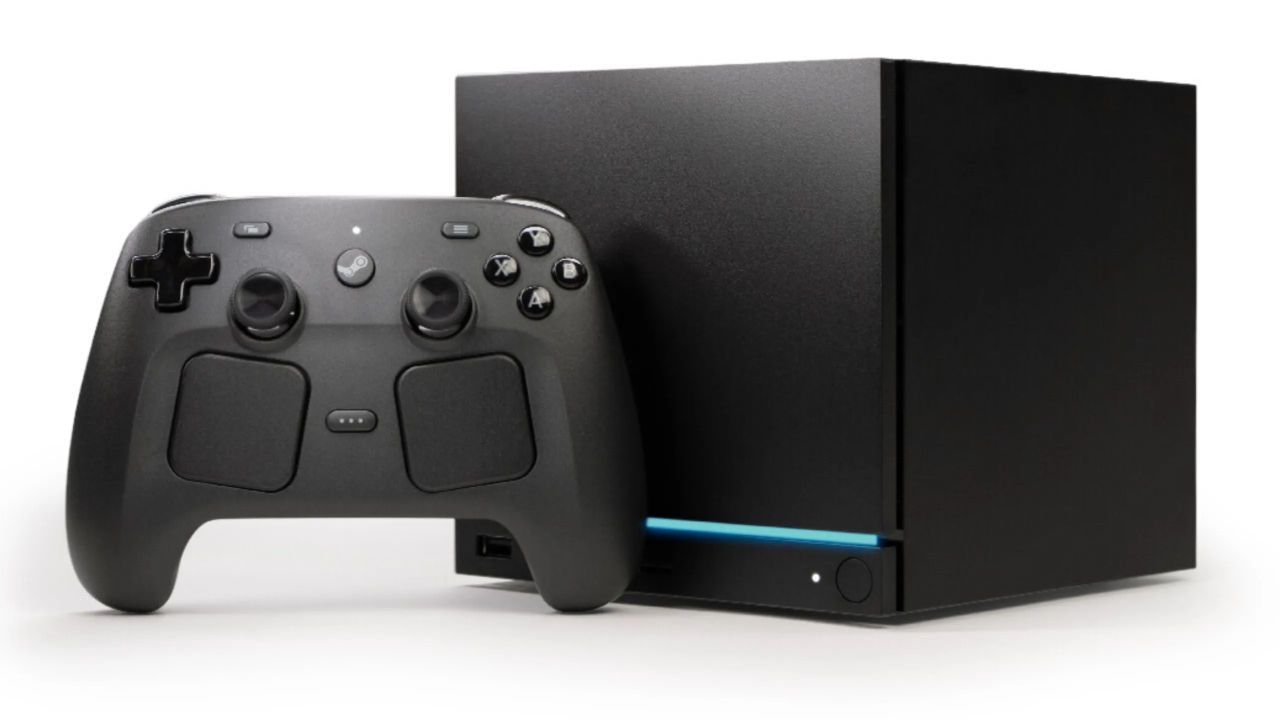
TECH NEWS – If you encounter an error where the LED strip glows only red, Valve’s PC can be a bit misleading.
A few days ago, a Reddit user reported that his Steam Machine displayed a “Red Line of Death” error. According to Valve’s guidelines, this indicates a GPU failure. This was surprising since the user had only been running the machine for 20 minutes. After trying several troubleshooting methods, the user fixed the machine with a simple CMOS reset by unplugging it overnight. The next day, the device was working flawlessly. However, Valve later refuted the initial belief that it was a GPU failure.
The company stated that the LED strip indicator on the Steam Machine had flipped horizontally, resulting in incorrect signals. According to the guidelines, a red line on the left indicates memory training, and a red light on the right signifies a GPU failure. Since the red LED was lit upside down on the user’s device, the problem was mistaken for a GPU failure even though the Steam Machine was performing memory training.
Comment
byu/me_hill from discussion
insteammachine
If you encounter this issue, unplug the Steam Machine and press the power button several times. This will ensure that the power stored in the power supply is completely discharged. The power indicator LED may flash briefly. Plug the Steam Machine back in. Check if the power LED is flashing white in a breathing pattern. If so, submit a Steam Support ticket and tag the user SteamHWFeedback. You can also send them a chat request with the ticket ID, which starts with “HT-“. Hold down the power button for about six seconds. The power indicator LED will flash briefly. Release the power button as soon as this happens.
The power indicator LED will flash a series of color codes. You can use these codes to select various recovery and troubleshooting options. When the LED turns green, press the power button briefly. This will perform a full CMOS reset. The next time the computer boots up, the RGB bar should be blue. Booting may take slightly longer due to memory re-initialization. Due to a communication error, the front panel code appears inverted by default. Since this occurred immediately after (or during) a BIOS update, it is likely that the update did not finish, causing a memory programming issue. The above procedure will initiate a new programming cycle.
This occurs on the Zen 4 and Zen 5 platforms after a BIOS update, so it takes some time for the machine to stabilize. When the system restarts after a BIOS update or certain modifications, the Steam Machine enters the memory configuration process. According to Valve, the issue may be resolved with a few reboot cycles, provided you follow the steps they provide.
Source: WCCFTech














Leave a Reply